
Introduction: The Importance of a Functional Garage Door Remote
In today's fast-paced world, convenience is key, especially when it comes to home automation. A garage door remote allows quick and easy access to your garage, enhancing your daily routine. However, programming your garage door remote can be a bit tricky, particularly if you're not familiar with the process. At A & A Campbell Garage Door Repair in San Jose, CA, we understand the importance of a properly functioning remote and are here to help you navigate through the programming process with ease.
Understanding Your Garage Door Remote
Before diving into the programming steps, let’s familiarize ourselves with the components of your garage door remote. Knowing what each button does can significantly simplify the programming process.
- Open/Close Button: This is the primary button used to operate the garage door.
- Light Button: This button controls the garage lighting, allowing you to turn it on and off.
- Program Button: This is typically used for syncing the remote with your garage door opener.
Step-by-Step Guide to Program Your Garage Door Remote
Programming your garage door remote can vary based on the model and manufacturer of your garage door opener. Here’s a general guide to help you through the process:
Step 1: Gather Your Tools
Before you start, ensure you have the following:
- Your garage door remote
- The garage door opener manual
- A step ladder (if needed)
Step 2: Locate the Learn Button
The first step is to locate the Learn Button on your garage door opener. This is usually found on the back or side of the unit. It may be labeled “Learn” or “Program.”
Step 3: Prepare to Program
1. Stand near your garage door opener and press the Learn Button. You should see a light blinking, indicating that the unit is ready to learn a new remote.
Step 4: Program the Remote
1. Within 30 seconds of pressing the Learn Button, press and hold the button on your garage door remote that you want to program.
2. Hold the button until you see the garage door opener light blink or hear a click, indicating that the remote is successfully programmed.
3. Release the remote button, and you’re done!
Step 5: Test the Remote
Now that you’ve programmed the remote, test it to ensure it works correctly. Stand a few feet away and press the open/close button to see if the garage door responds.
Common Issues and Troubleshooting Tips
If you run into issues while programming your garage door remote, don't worry. Here are some common problems and solutions:
Problem: Remote Not Responding
Solution: Ensure the batteries in the remote are fresh. If the batteries are good, reattempt the programming steps.
Problem: Multiple Remotes Not Working
Solution: Make sure each remote is programmed individually according to the steps above. It's important to note that some models may have a limit on how many remotes can be programmed.
When to Seek Professional Help
While many homeowners can program their garage door remotes with ease, there are situations where professional help is beneficial:
- Your garage door opener is malfunctioning.
- You have an older model that may require specific programming methods.
- You’re uncomfortable performing electrical work.
If you find yourself in any of these situations, consider contacting A & A Campbell Garage Door Repair in San Jose, CA. Our experienced technicians have the expertise to resolve any garage door issues efficiently.
Importance of Regular Maintenance
To avoid future complications with your garage door remote, it's essential to conduct regular maintenance. Here are some tips:
- Check and replace batteries every six months.
- Keep the remote clean and free from debris.
- Schedule professional inspections annually to ensure all components are functioning correctly.
Statistics show that regular maintenance can extend the lifespan of your garage door system by up to 30%!
Conclusion: Keep Your Garage Door Remote Functional
Programming your garage door remote may seem daunting, but with this guide, you can easily navigate the process. Regular maintenance and prompt troubleshooting can also help maintain your system’s functionality. If you encounter any issues or need assistance, don’t hesitate to reach out to A & A Campbell Garage Door Repair in San Jose, CA. Our dedicated team is here to ensure that your garage door operates smoothly and effectively. Contact us today for expert garage door repair services!
Explore More Resources
Related Articles
Service Areas
We proudly serve San Jose, Seven Trees, Silver Creek, Evergreen, Robertsville and more areas.
Our Services
Professional garage door repair, spring repair, opener installation and more. View all services →
Choosing the Right Garage Door for Your Climate: A Guide by A & A Campbell Garage Door Repair
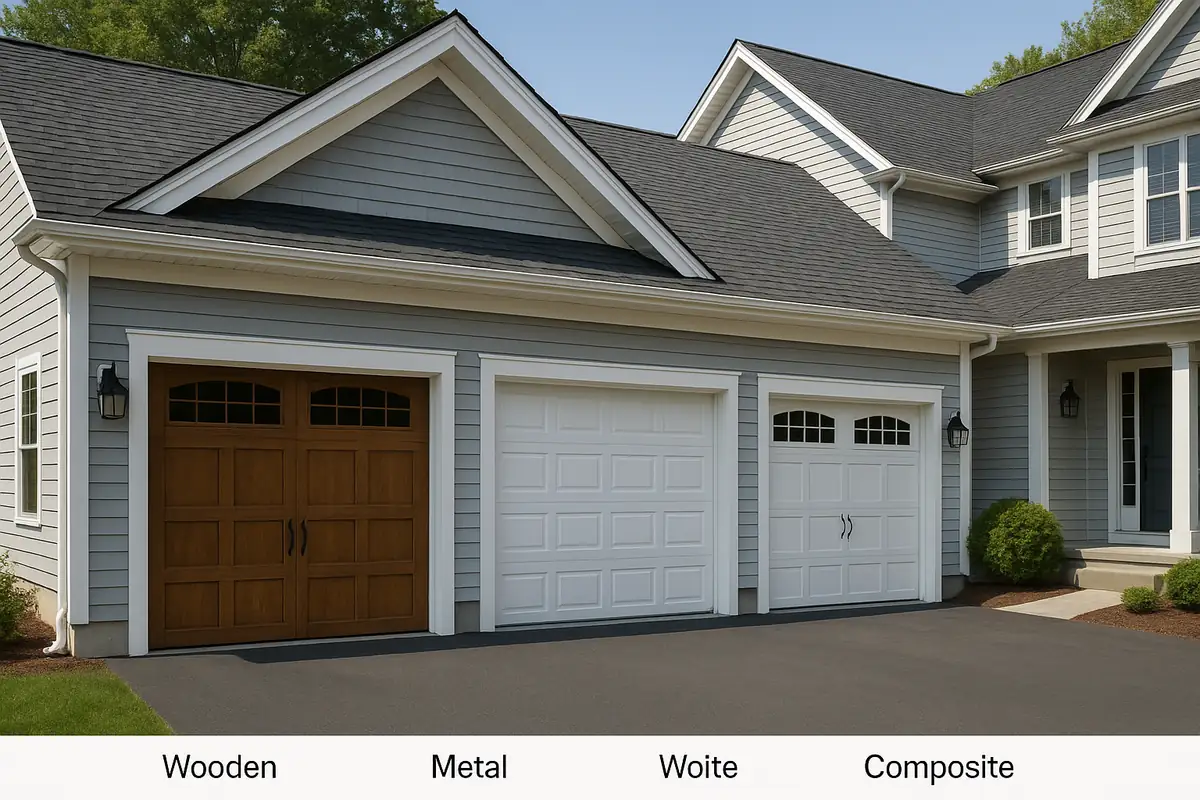
When to Replace vs Repair Your Garage Door: A Guide by A & A Campbell Garage Door Repair